

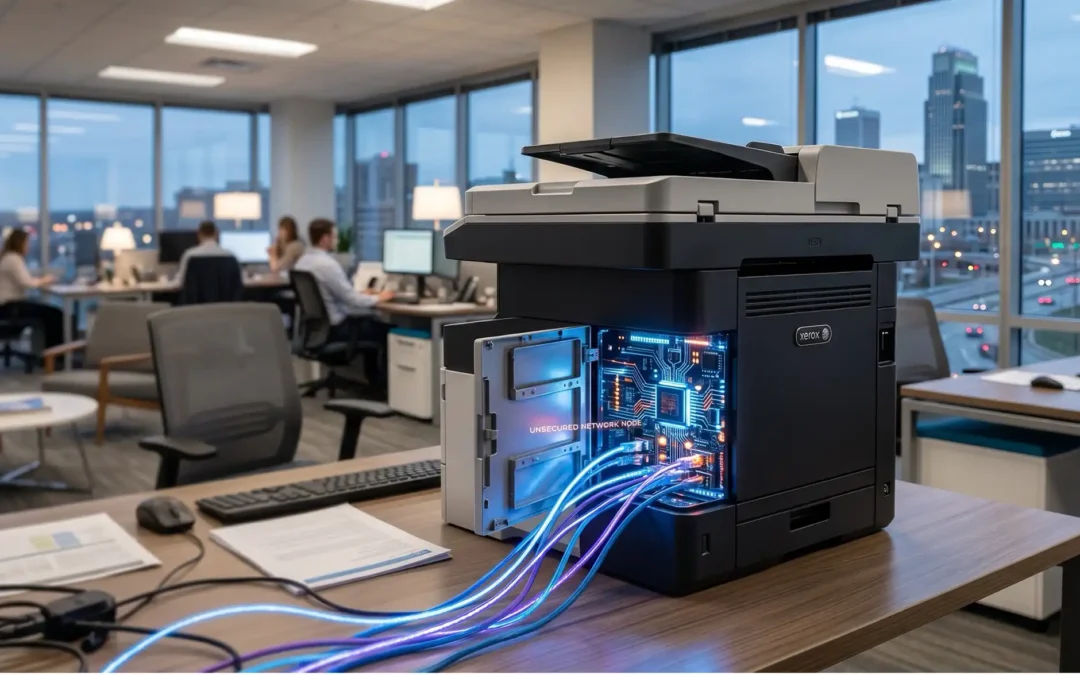
TL;DR Summary: Modern office printers are networked computers, not just hardware. They store sensitive data and can act as backdoors for cyber-attacks if not hardened. It’s critical to have current office equipment to manage your entire print environment, ensuring firmware is patched, data is encrypted, and access is secure. At Bishop Business, we provide best-in-class equipment with safety capabilities to help you safeguard your critical network.
In today’s work environments, current office printers and multifunction devices are intelligent, networked computers that store sensitive data, communicate with your servers, and act as “endpoints” on your corporate network. If left unmanaged, default passwords, outdated firmware, and exposed ports make these devices the path of least resistance for cyber-attacks
The “Invisible” Endpoint: Why Printers Are Targets
For years, printers were viewed as “dumb” hardware. Today, they are high-powered digital workstations. A modern office MFP (Multifunction Printer) acts as a gateway between your physical paper and your digital infrastructure.
Because they are often placed in common areas and accessed by hundreds of people, they are frequently the most neglected devices in terms of security updates. Cyber-criminals know this, and they actively scan networks for devices with:
- Default Manufacturer Passwords: Many machines are never updated from their factory-set login credentials.
- Outdated Firmware: Security vulnerabilities found in the printer’s operating system that remain unpatched for years.
- Open Network Ports: Allowing unauthorized external access to the device’s internal storage.
The 3 Pillars of a Secure Print Environment
You don’t have to choose between productivity and safety. A secure print environment is built on three foundational pillars:
1. Device Hardening (The Infrastructure Level)
Before a device is ever connected to your local network, it must be hardened. This involves changing all administrative passwords, disabling unused ports (like physical USB slots or unnecessary network protocols), and verifying that the device’s encryption protocols meet current enterprise standards.
2 User Authentication (The Access Level)
Sensitive documents should never sit in an open output tray. By implementing “Secure Print Release,” users must authenticate at the machine—via a secure PIN, badge swipe, or mobile app—before their job prints. This ensures that:
- Confidential documents are never left unattended.
- Unauthorized printing is physically blocked.
3. Data Cleansing (The Disposal Level)
When a document is scanned or copied, a digital image is temporarily stored on the device’s internal hard drive. A secure print environment requires Automatic Data Overwriting, which wipes that drive immediately after the job is completed, ensuring that sensitive data isn’t trapped in the machine’s memory.
How Bishop Business Secures Your Setup
At Bishop Business, we don’t just “drop off a machine.” We partner with your local team to ensure critical security tasks are completed:
- Proactive Firmware Management: We remotely monitor and patch device software to close security gaps before they can be exploited.
- Encrypted Data Transmission: We ensure all print jobs are encrypted from the user’s workstation to the device, preventing “man-in-the-middle” data interception.
- Consistent Security Audits: Through our 30-day Print Environment Audit, we map every device on your network to ensure no “rogue” hardware is hiding in the background, creating a security liability.
Is Your Print Environment Secure?
Don’t guess when it comes to your company’s data. If you haven’t reviewed the security protocols of your office equipment in the last 12 months, your infrastructure may be more exposed than you think.
Request a Free Print Environment Audit Let us evaluate your current hardware to best identify efficiency opportunities, as well as vulnerabilities. If your current environment is a liability, we will show you exactly how to lock it down. Schedule Your Security Audit
FAQ’s: Answers to Common Copier and Printer Security Questions
Q: Is printer and copier security being managed?
A: If no, request a Free Print Environment Audit at Bishop Business!
Q: What if I have a small office with only 2 machines?
A: Security isn’t based on volume; it’s based on network exposure. We are able to partner with you to help secure your environment no matter the size of your business.